
QUICK ANSWER
AI can automate many repetitive assistant-style tasks such as inbox triage, scheduling, meeting summaries, content drafting, data entry, and basic research. The practical approach is to automate repeatable work while keeping human review for judgment, sensitive communication, and unusual situations.
Key Takeaways
- Automate repeatable tasks before trying to automate judgment-heavy work.
- Use human review for client-facing, sensitive, or high-impact decisions.
- Connect individual AI tools through a workflow platform to reduce manual handoffs.
- Measure actual time saved rather than assuming an AI tool replaces an entire role.
A part-time virtual assistant handling inbox triage, scheduling, and basic admin typically runs $600-900 a month. This is the AI stack that took over most of that workload — and an honest note on the tasks that still need a real person.
1. Inbox Triage — AI Email Classification
The task a VA used to do first thing every morning — sorting new emails into urgent, needs-reply, and ignore — is now handled by an automated inbox rule powered by an AI classification step. New emails get labeled and the genuinely urgent ones get flagged, without a human reading every subject line first.
2. Scheduling — AI Calendar Assistants
AI scheduling tools that find mutual availability and send booking links eliminate the back-and-forth email chain a VA used to manage. This is one of the cleanest 1-to-1 replacements on this list — the task was always mechanical, and AI scheduling tools do it just as well as a human did.
3. Meeting Notes and Follow-Ups
AI meeting transcription and summary tools now handle what used to be a VA sitting in on calls to take notes: an automatic summary, action items, and a drafted follow-up email land in your inbox minutes after the call ends.
4. Social Media Scheduling and Drafts
AI content tools can draft a week of social posts from a few bullet points and queue them through a scheduler — work that used to be a recurring weekly task for a VA. The caveat: the first draft still needs your voice pass before it goes out; treat AI as the first 70%, not the final copy.
5. Data Entry and Simple Research
Pulling data from one source into a spreadsheet, basic competitor research, or summarizing a document — the kind of task a VA does between other duties — is now handled well by AI paired with a workflow tool that moves the data automatically instead of a human copy-pasting it.
What AI Still Can’t Replace
- Judgment calls — deciding which client email needs you personally versus a template reply still needs a human in the loop until you fully trust the classification rules
- Relationship-based tasks — phone calls with vendors, sensitive client conversations, anything requiring genuine rapport
- Truly novel problems — AI tools handle repeatable patterns well; one-off unusual requests still need a person who can improvise
Tying It Together with Automation
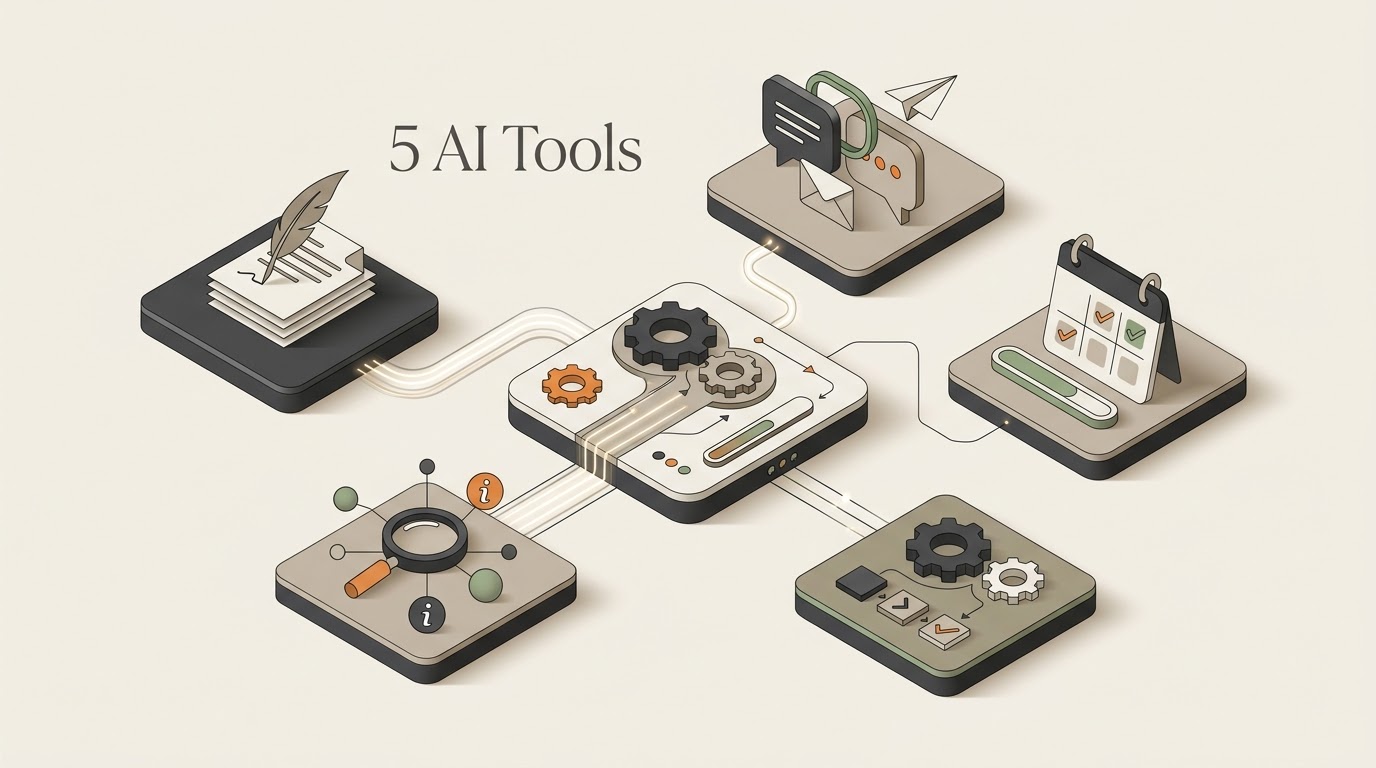
Using these five tools individually still means logging into five different apps. The real time savings come from connecting them with a workflow tool so the handoffs happen automatically — a new email triggers classification, a meeting ending triggers the summary email, and so on.
Start with the process rather than the tool. The AI Automation Assessment helps identify which assistant-style tasks are genuinely worth automating and where human review should remain. Once the process is clear, the AI Workflow Builder can turn it into a structured workflow. For the platform layer, see our n8n vs Zapier comparison.
The Bottom Line
This isn’t an argument that AI fully replaces a human assistant — it’s that many repetitive tasks can be automated, while judgment and relationship-based work still benefit from human involvement. If you want to connect these pieces into a broader system, explore our AI Tools & Automation hub, try the AI System Prompt Generator, and explore the free automation templates.
Keep Exploring
- Best AI Tools for Freelancers — broader tool coverage.
- Automate Customer Support — apply AI to another repetitive workload.
- OpenAI API + n8n — build custom AI workflows instead of isolated tools.
- Tools & Automations — explore the wider stack.
Build and Estimate Your Automation
Turn an automation idea into a practical workflow blueprint, then estimate its usage and cost before you build it.
Explore Free AI Tools
Use the Free AI Tools hub to move from research to a practical automation plan.
Practical Checks Before You Commit
- Confirm the tool or platform supports the integrations your workflow actually needs.
- Test the smallest useful workflow before paying for a larger plan or migrating production work.
- Check current pricing, limits, and usage rules before estimating long-term cost.
- Keep a human fallback for important customer, financial, or operational actions.