
QUICK ANSWER
A practical small-business automation stack usually needs one workflow backbone plus focused tools for customer support, content, sales, and data. Start with the smallest stack that solves a measurable problem, then add layers only after the existing workflow is reliable.
Key Takeaways
- Choose one primary automation backbone and keep the architecture understandable.
- Automate repetitive customer, content, sales, and data tasks before adding complexity.
- Review AI-generated customer-facing content before publication.
- Measure time saved and operational reliability before adding another paid tool.
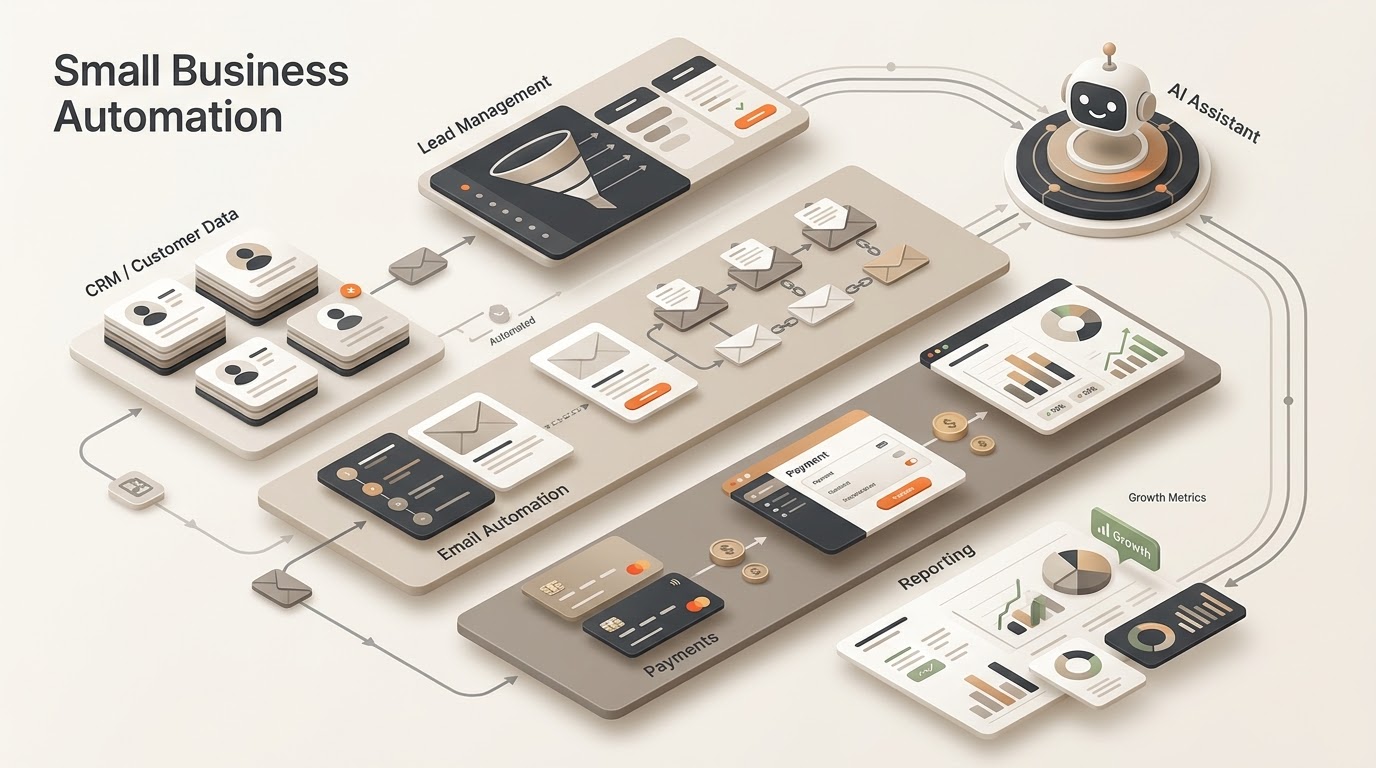
Small business owners don’t need ten automation tools — they need four or five that genuinely earn their subscription cost. Here’s a realistic stack organized by what each layer actually does, based on what holds up in practice rather than what’s trending.
Layer 1: The Automation Backbone
Every stack needs one tool that connects everything else — this is the piece that watches for triggers (a new order, a form submission, an email) and routes the response. n8n, Zapier, and Make all fill this role differently; we break down which fits which business size in our n8n vs Zapier and n8n vs Make comparisons. Pick one and build everything else around it — running two automation backbones side by side just creates confusion about what’s connected to what.
Layer 2: Customer-Facing Automation
An AI chatbot trained on your FAQ handles the repetitive pre-sale and support questions without a human touching them. This is usually the highest-ROI single addition to a small business stack because it directly reduces founder time spent answering the same five questions daily. See our customer support automation guide for the exact setup.
Layer 3: Content and Social Publishing
A scheduling tool paired with an AI drafting step turns “I need to post today” into a queue that runs itself. The mistake most small businesses make here is fully automating publishing without a review step — keep a human glance before anything goes live, even if the drafting is automated.
Layer 4: Sales and Data Tracking
A simple automated pipeline that logs orders, leads, or inquiries into a spreadsheet or lightweight CRM removes the manual data entry that eats founder time at the end of every day. This doesn’t need to be fancy — a Google Sheet that auto-populates is often enough for a business under a certain size.
What NOT to Add Yet
- A full CRM before you have enough volume to need one — a spreadsheet with automation often outperforms an underused CRM subscription
- Multiple overlapping AI writing tools — pick one and learn its quirks rather than paying for three that do the same thing
- Complex multi-tool integrations before the simple version has run reliably for a month — stability first, sophistication second
What This Actually Costs
A realistic four-layer stack for a small business typically lands in the $50-150/month range total, depending on volume and which automation backbone you pick. Compare that against even 5-10 hours a month of founder time freed up, and the math works in almost every case.
The Bottom Line
Build this stack one layer at a time, and only add the next layer once the current one is working reliably. For practical starting points, explore our free automation templates, then compare n8n vs Make and n8n vs Zapier before choosing your automation backbone. You can also see practical building blocks in 7 n8n Workflows for Small Business.
Keep Exploring
- n8n Review — understand the core platform.
- 7 n8n Workflows — turn the stack into concrete automations.
- Inventory Alerts — a practical Make workflow for the same audience.
- Build an AI Agent in n8n — add AI to the automation layer.
- Resources — browse reusable templates.
Build and Estimate Your Automation
Turn an automation idea into a practical workflow blueprint, then estimate its usage and cost before you build it.
Explore Free AI Tools
Use the Free AI Tools hub to move from research to a practical automation plan.
Practical Checks Before You Commit
- Confirm the tool or platform supports the integrations your workflow actually needs.
- Test the smallest useful workflow before paying for a larger plan or migrating production work.
- Check current pricing, limits, and usage rules before estimating long-term cost.
- Keep a human fallback for important customer, financial, or operational actions.