
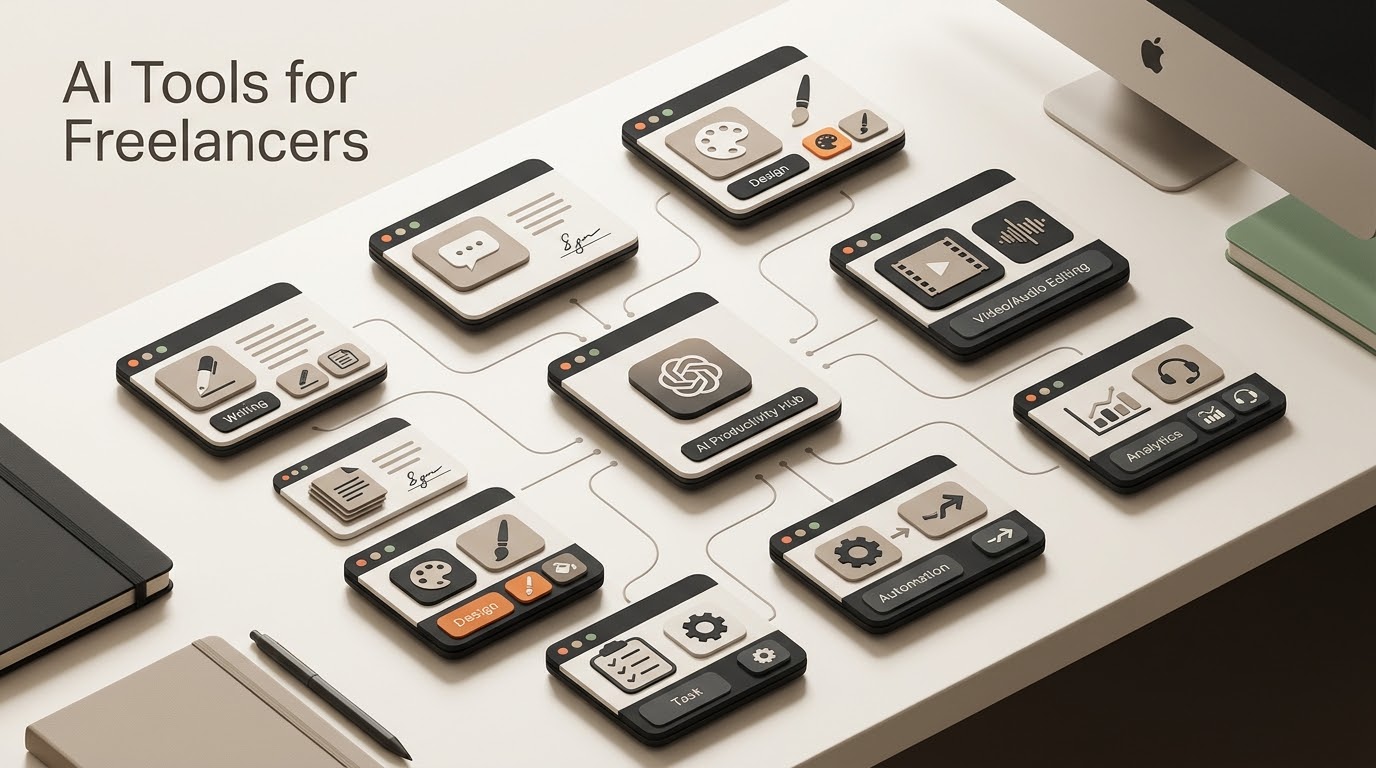
Most “best AI tools for freelancers” articles are the same five names shuffled in a different order, written by someone who’s never actually billed a client. This list is organized differently: by the specific task each tool replaces, with an honest note on where it falls short.
QUICK ANSWER
For freelancers, the most useful AI tools are the ones that reduce time spent on writing, proposals, design, media editing, and repetitive operations. The right stack depends on your actual workflow, client requirements, and budget.
Key Takeaways
- Choose tools by task and workflow rather than by popularity alone.
- Keep human review for client-facing work and important decisions.
- Two or three well-integrated tools can be more useful than a large collection of subscriptions.
- Automation becomes more valuable when repetitive AI tasks are connected into a repeatable workflow.
Writing & Client Communication
Claude and ChatGPT both handle first drafts, but they’re not interchangeable. ChatGPT is faster for brainstorming and rough outlines. Claude is noticeably better at matching a specific tone across a long document and holding onto context in longer client briefs — which matters more than people expect once you’re drafting proposals or contracts that need to sound like you, not like a generic AI.
Neither tool replaces proofreading. Treat the output as a first draft that still needs your voice and a final read-through before it goes to a client.
Proposals and Admin
The highest-leverage use of AI for freelancers isn’t content generation — it’s cutting the time spent on unpaid admin work. Feeding a client brief into Claude or ChatGPT with a saved proposal template turns a 45-90 minute proposal into a 10-15 minute edit. The time saved compounds fast if you’re sending 5-10 proposals a week.
Design and Visuals
Canva’s AI features (background removal, Magic Design, text-to-image) cover most client-facing design needs without requiring design skills. For freelancers who need genuinely original illustration or concept art, Midjourney still produces higher-quality output, but has a steeper learning curve around prompting.
Video and Audio
Descript is the standout here — it turns video editing into a text-editing task by transcribing your footage and letting you cut by deleting words. For freelancers who occasionally need to produce a client update video or a course lesson without touching a traditional timeline editor, this alone justifies the subscription.
Automation (Where the Real Time Savings Are)
This is the category most “AI tools for freelancers” lists skip entirely, and it’s the one with the biggest actual return. Tools like n8n, Zapier, and Make connect the AI writing and design tools above into an actual pipeline — client fills a form, AI drafts the proposal, it lands in your inbox for a 2-minute review instead of a 45-minute write.
Before choosing an automation platform, start with the work itself. The AI Automation Assessment helps identify repetitive steps, automation opportunities, and human-review points. Then use the AI Workflow Builder to turn the useful process into a concrete workflow instead of adding tools just because they are popular.
We cover the platform layer in our n8n review and n8n vs Zapier comparison.
Pros and Cons of Going All-In on AI Tools
- Pro: Genuinely cuts hours on admin, first drafts, and repetitive design work
- Pro: Lets a solo freelancer take on volume that used to require a small team
- Con: Subscription costs stack up fast if you sign up for every tool on every list — pick 2-3 that cover your actual workflow
- Con: Client-facing output still needs a human pass; AI-generated work with your name on it is still your responsibility
The Bottom Line
Don’t install every tool on this list. Pick the tools that match your actual work, then connect repetitive tasks into a system as your volume grows. For practical comparisons, continue with our Gemini vs ChatGPT for Freelance Work. For the automation layer, explore our AI Tools & Automation hub and free automation templates. You can also use the AI System Prompt Generator when you need structured instructions for an AI workflow or agent.
Keep Exploring
- 5 AI Tools for Virtual Assistant Tasks — practical automation examples.
- Gemini vs ChatGPT — compare two major AI assistants.
- Custom GPT Client Onboarding — turn AI into a repeatable workflow.
- Tools & Automations — browse practical AI workflows.
- Resources — continue with guides and templates.
Build and Estimate Your Automation
Turn an automation idea into a practical workflow blueprint, then estimate its usage and cost before you build it.
Explore Free AI Tools
Use the Free AI Tools hub to move from research to a practical automation plan.
Practical Checks Before You Commit
- Confirm the tool or platform supports the integrations your workflow actually needs.
- Test the smallest useful workflow before paying for a larger plan or migrating production work.
- Check current pricing, limits, and usage rules before estimating long-term cost.
- Keep a human fallback for important customer, financial, or operational actions.