
STACK
n8n + Lemon Squeezy + Gmail + Google Sheets
LEVEL
Intermediate
RESULT
Payment-failure reminders with event logging
QUICK ANSWER
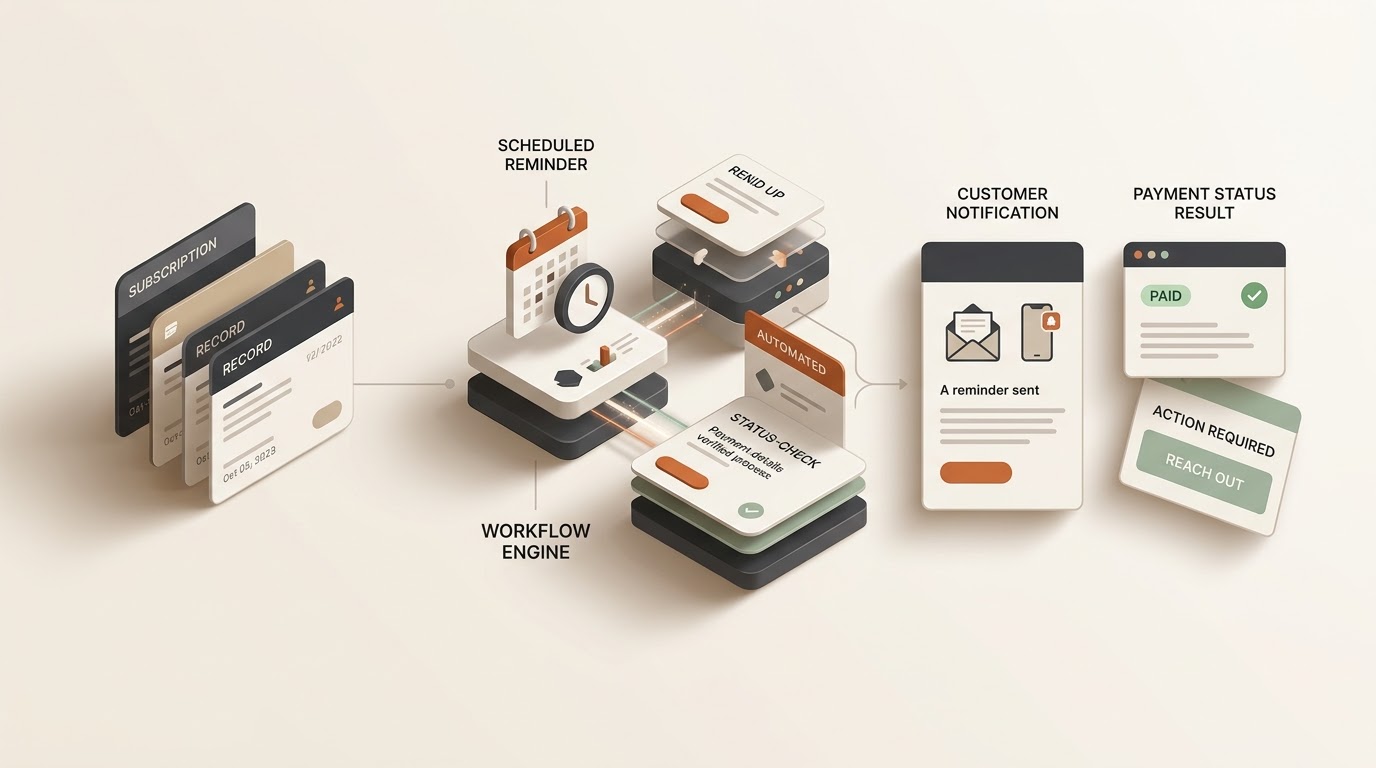
This workflow receives Lemon Squeezy subscription events in n8n, routes failed/recovered/successful payments, waits before a failure reminder, sends the reminder through Gmail, and logs the event in Google Sheets.
Key Takeaways
- Separate event routing from the delayed reminder step.
- Keep credentials and webhook signing secrets outside exported workflow JSON.
- Test failure, recovery, and success events independently.
- Verify webhook authenticity before relying on external payment events in production.
Before You Run It
- Demo first: use Lemon Squeezy test-mode events where available.
- Configure: reconnect Gmail and Google Sheets credentials after import.
- Production: verify webhook signatures and keep the signing secret private.
- Reminder timing: the documented template uses a three-day wait; change it only after testing.
Failed subscription payments can create support work and lost revenue. This template turns payment events into a structured follow-up process without mixing credentials or customer data into the exported workflow.
Workflow Architecture
[ Lemon Squeezy Webhook ]
            |
            v
[ Normalize Event Data ]
            |
            v
[ Route Payment Event ]
       /       |       \
   Failed   Recovered  Success
      |         |          |
      v         v          v
[Wait 3 Days] [Log]      [Log]
      |
      v
[Send Gmail Reminder]
      |
      v
[Log Reminder in Sheets]
Template Inputs & Configuration
subscription_payment_failed— failure event that enters the reminder path.subscription_payment_recovered— recovery event that is logged without the failure reminder.subscription_payment_success— successful payment event that is logged.- Gmail credential — used only by the reminder email node.
- Google Sheets credential — used by the logging nodes.
- Invoice Reminders — spreadsheet sheet used for event tracking.
Step-by-Step Setup
1. Import the workflow
Open the n8n workflow and export it from n8n. Import the JSON into your own n8n instance, then reconnect your credentials.
2. Configure Lemon Squeezy
Create the webhook in your Lemon Squeezy account and point it to your own n8n webhook endpoint. Select the payment events required by your workflow. Keep the signing secret private.
3. Configure Google Sheets
Create or select a private spreadsheet and an Invoice Reminders sheet. Map the fields used by the imported logging nodes and verify that your credential has the required access.
4. Configure Gmail
Connect your Gmail credential to the reminder node and review the recipient, subject, and message before enabling production traffic.
5. Review the delay
The documented template waits three days after a payment-failure event. Choose a delay that matches your business policy and test it before production.
Test the Template
Payment failure
Send a test subscription_payment_failed event. Expected path: normalize → failure route → three-day wait → Gmail reminder → Google Sheets log.
Payment recovery
Send a test subscription_payment_recovered event. Expected path: normalize → recovery route → Google Sheets log, with no failure reminder.
Payment success
Send a test subscription_payment_success event. Expected path: normalize → success route → Google Sheets log.
Download & Import
Sanitized workflow: the exported package should contain no Lemon Squeezy signing secret, Gmail token, Google credential, or private spreadsheet identifier.
Open the n8n workflow, then use n8n’s export/download option to save the JSON package.
- Import the JSON into your n8n instance.
- Reconnect Gmail and Google Sheets credentials.
- Replace the spreadsheet/document reference with your own.
- Confirm the
Invoice Reminderssheet and mappings. - Run the failure, recovery, and success tests.
Troubleshooting
- Webhook receives nothing: verify the endpoint, selected Lemon Squeezy events, and test-mode configuration.
- Failure routes incorrectly: inspect the normalized event name before the routing node.
- No reminder arrives: check the Gmail credential, recipient, delay node, and execution history.
- No log row appears: verify the Google Sheets credential, document, sheet name, and field mappings.
- Duplicate reminders: add a stable event/subscription identifier and deduplication check before sending production emails.
Security Notes
- Never publish the Lemon Squeezy signing secret.
- Keep Gmail and Google credentials inside n8n Credentials.
- Use test-mode events before customer-facing production email.
- Verify webhook signatures before treating external requests as authenticated in production.
- Restrict spreadsheet access to the people who need payment information.
Extend the Template
After the base workflow is verified, you can add CRM updates, support alerts, account-access changes, internal notifications, or analytics. Test each extension independently so a failed integration does not accidentally trigger customer-facing payment messages.
Build the Next Version
Use the Free AI Tools hub to assess the process, generate a workflow blueprint, and estimate cost when you have usage data.
Related Workflows & Resources
- 7 n8n Workflows for Small Business — practical automation patterns.
- OpenAI API + n8n — add AI processing to workflows.
- Tools & Automations — explore more ready-to-adapt workflows.
- Resources — browse templates and practical guides.