
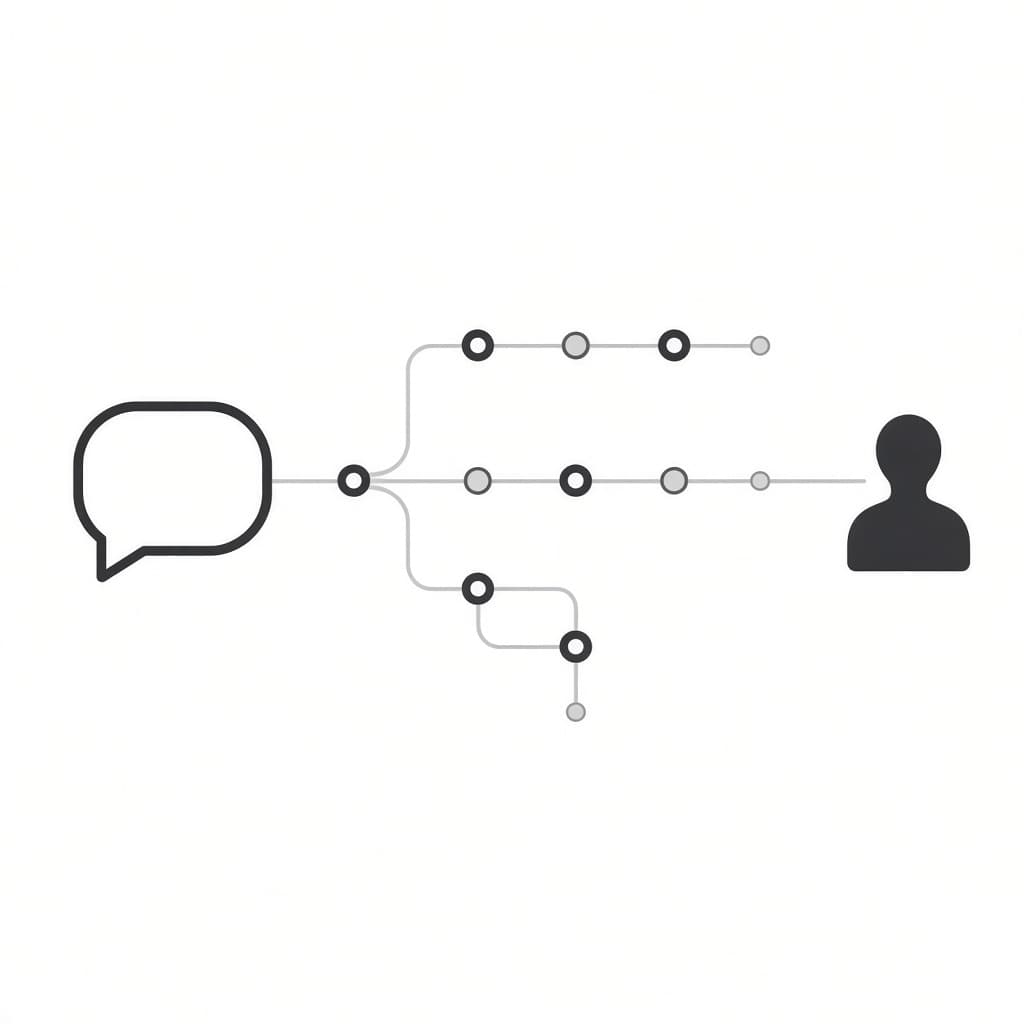
Most small businesses don’t need a support team — they need the repetitive 80% of tickets handled automatically so a human only sees the 20% that actually require judgment. Here’s how to build that without hiring anyone.
Start With What’s Actually Repetitive
Before automating anything, pull your last 50-100 support messages (email, DMs, contact form) and sort them into buckets. In almost every small business, the same handful of questions make up the majority of volume: order status, refund policy, how something works, pricing, and “is this still available.” These are exactly the questions worth automating first — anything genuinely unique to one customer’s situation should still reach a human.
Layer 1: An AI Chatbot for Your Website
A simple AI chatbot trained on your FAQ, shipping policy, and product pages can resolve a large share of pre-purchase and status questions without any human involvement. The setup that works well for small businesses: feed your existing help docs and policies into the chatbot’s knowledge base, and give it a clear instruction to hand off to a human (via email or a ticket) whenever it isn’t confident in an answer — never let it guess on refunds, cancellations, or anything involving money.
Layer 2: Automating the Inbox Itself
For support that still comes in through email, a workflow tool like n8n can watch your inbox, classify each incoming message with an AI node (order question, refund request, general inquiry, spam), and route it automatically: auto-reply to the simple ones with a templated answer, create a task for anything flagged urgent, and leave everything else in the inbox untouched for you to handle personally.
This is a genuinely simple workflow to build — a trigger on new email, an AI classification step, and a couple of conditional branches. See our n8n review for how the execution-based pricing keeps this affordable even at high email volume.
Layer 3: Order Status Without a Single Reply
“Where is my order” is one of the single most common support messages for any business selling physical goods, and it’s fully automatable. Connecting your store platform (Shopify, WooCommerce) to an automated status-lookup flow — triggered either by a chatbot query or a scheduled proactive update email — removes this category from your inbox almost entirely.
What NOT to Automate
- Angry or escalated customers — route these to a human immediately, don’t let a bot try to de-escalate
- Anything involving a refund decision — automate the request intake, not the approval
- Ambiguous or emotional messages — if your AI classifier isn’t confident, default to human review rather than guessing
A Realistic Weekend Setup
You don’t need all three layers on day one. Start with the chatbot trained on your existing FAQ — it’s the highest-impact, lowest-effort piece. Add the inbox automation once you have a clear sense of your actual ticket categories. The order-status layer is worth building only if “where’s my order” is genuinely a top-3 support topic for your business.
The Bottom Line
The goal isn’t removing humans from support — it’s making sure a human’s time only goes toward the tickets that actually need a human. Done right, this setup handles the repetitive majority automatically and quietly flags everything else for you.