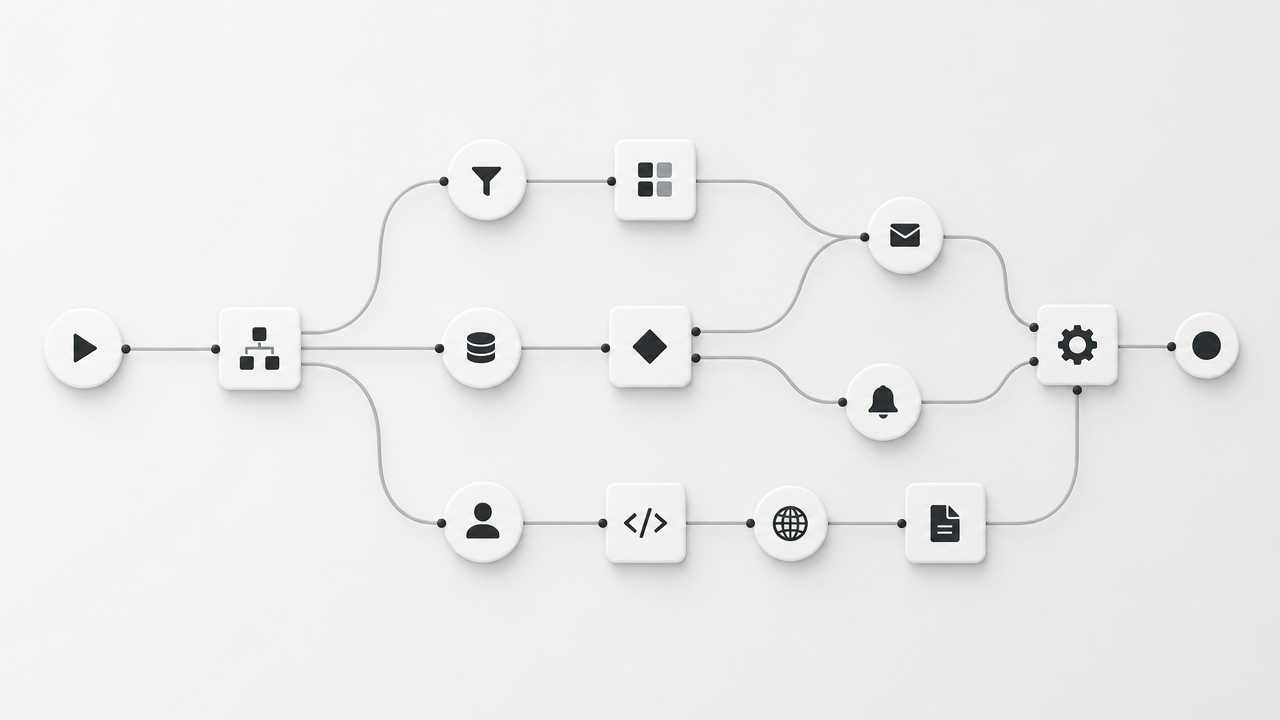
If you’ve spent any time researching automation tools in 2026, you’ve run into n8n. It’s the open-source workflow platform developers keep recommending over Zapier, and after running production workflows on it for content publishing and lead handling, I understand why — but it’s not the right fit for everyone. Here’s the honest breakdown.
What is n8n?
n8n (pronounced “n-eight-n”, short for “nodemation”) is a workflow automation tool that connects apps and APIs through a visual, node-based canvas. Unlike Zapier’s linear step-by-step Zaps, n8n lets you branch, loop, merge data paths, and drop into actual JavaScript or Python code inside a node when the no-code blocks aren’t enough. It’s open-source at its core, with both a free self-hosted Community Edition and a paid, fully-managed Cloud version.
n8n Pricing in 2026
This is where most people get confused, so let’s clear it up. n8n doesn’t charge per task or per step — it charges per execution, meaning one full run of your workflow, no matter how many nodes are inside it. A 3-step workflow and a 40-step workflow both cost exactly one execution per run.
| Plan | Approx. Price | Executions/mo | Best for |
|---|---|---|---|
| Community (self-hosted) | Free (pay only for server, ~$5-10/mo) | Unlimited | Developers comfortable with a VPS |
| Starter (Cloud) | ~$20-24/mo | 2,500 | Solo founders, light automation |
| Pro (Cloud) | ~$50-60/mo | 10,000 | Growing small businesses |
| Business (self-hosted) | ~$800/mo (custom for startups) | 40,000 | Teams needing SSO, Git, dev/prod environments |
Prices shift often and n8n bills part of its Cloud tiers in euros, so treat the numbers above as a starting point and confirm on n8n’s official pricing page before you commit.
The detail that surprises people most: the Community Edition is genuinely free with no execution cap. If you’re technical enough to run a $5/month VPS, you can run unlimited automations without ever touching a subscription.
What n8n Does Well
- Complex branching logic — conditional paths, loops, and merges that would take multiple Zapier “Paths” add-ons to replicate
- Native code access — drop a JavaScript or Python node into any workflow without leaving the canvas
- Self-hosting — full control over your data and zero per-execution ceiling if you run it yourself
- AI-native design — built-in nodes for LLM calls, vector stores, and agent-style workflows without duct-taping webhooks together
- 400+ integrations — smaller than Zapier’s catalog, but covers the vast majority of common business tools
Where n8n Falls Short
- Learning curve — the node-based canvas is more powerful than Zapier’s linear builder, but it takes longer to get comfortable with
- Self-hosting isn’t “set and forget” — updates, backups, and uptime become your responsibility
- Smaller integration library — if you rely on a niche SaaS tool, check n8n’s node list before switching
- Support is community-driven on lower tiers — don’t expect fast live support unless you’re on Business/Enterprise
Who Should Actually Use n8n
n8n makes the most sense if you fall into one of these groups:
- You run (or plan to run) more than a handful of multi-step workflows and want to avoid Zapier’s per-task billing eating your margin
- You’re comfortable with — or willing to learn — basic server management for self-hosting
- You want AI agent-style workflows (LLM calls, RAG pipelines, autonomous decision nodes) without stitching together three different tools
- You value owning your automation infrastructure long-term instead of renting it indefinitely
If you just need two apps talking to each other occasionally and don’t want to think about servers, Zapier or Make will get you there faster with less setup. We compare both head-to-head in our n8n vs Zapier and n8n vs Make breakdowns.
The Bottom Line
n8n earns its reputation as the automation tool for people who’ve outgrown simple point-and-click Zaps but don’t want to write a full backend from scratch. The free self-hosted tier alone makes it worth trying before you pay for anything — just budget an afternoon to get comfortable with the canvas.